 Fluvidia
Your camera. Your storage.
Record video.Upload as you go.
Capture with Fluvidia. Save your video in segments and upload them to your own server, NAS, or chosen storage.
Android available · macOS & iPhone/iPad coming soon
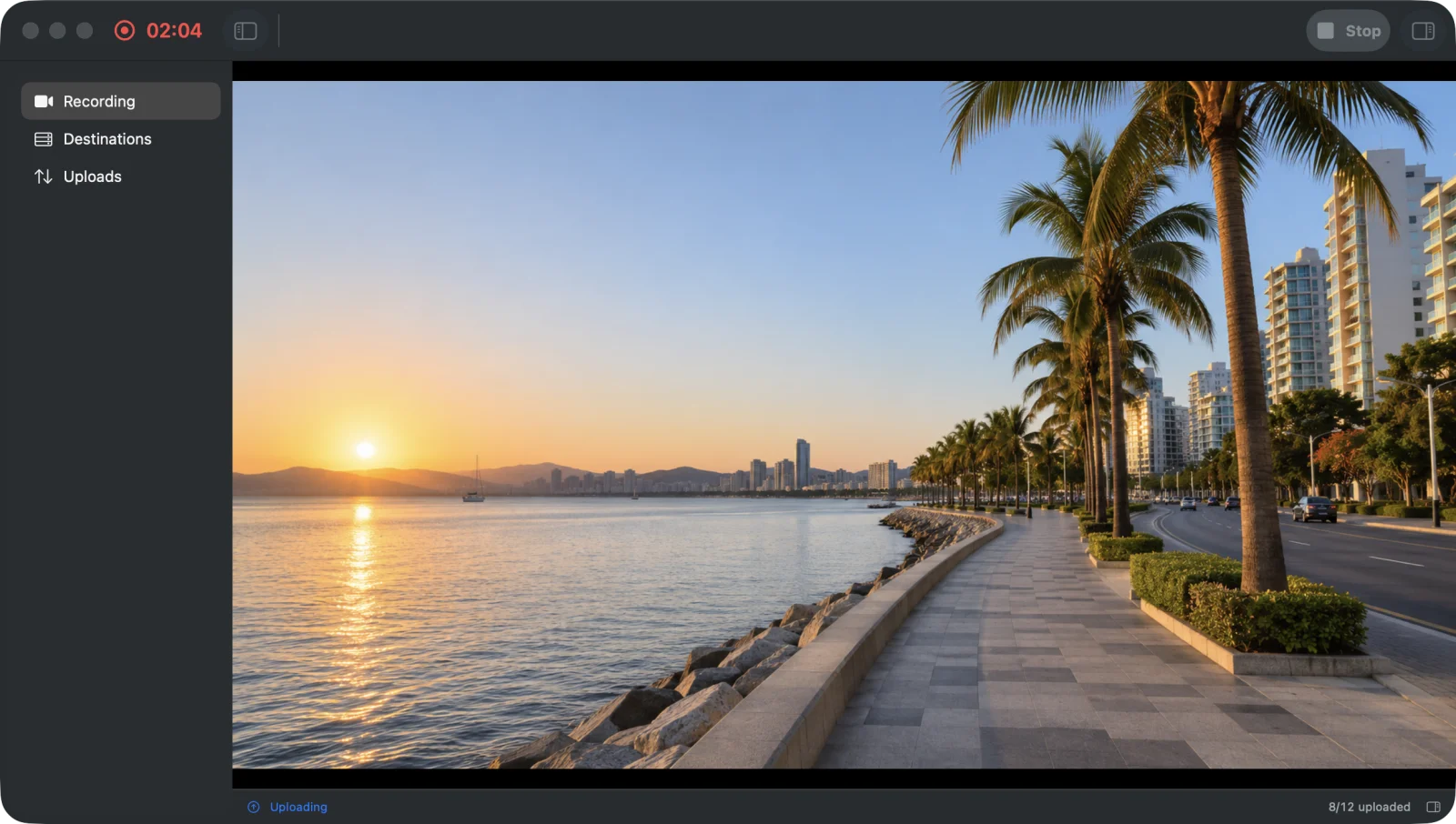
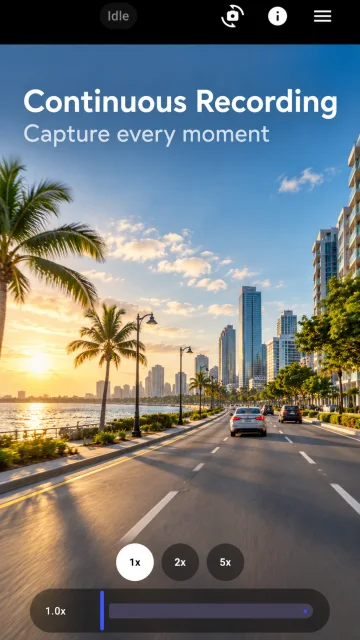
Record in segments
Save footage in manageable pieces as you record.
Choose your storage
Connect your server, NAS, or a local folder.
Follow every upload
See transfer progress and review recordings.
A simple recording workflow
From camera to your storage.
In three steps.
Connect a destination
Add your storage details, test the connection, and activate the destination you want to use.
Start recording
Choose your camera settings. Fluvidia saves segments and queues them for your selected destination.
Check your uploads
Review progress in Uploads. Open a session to inspect its files and retry failed transfers when available.
Storage that fits your setup
Your footage.
Your destination.
Keep recordings in a local folder, send them to your NAS, or connect a remote server. Choose a destination that works for you.
- SMB / NAS
- SFTP
- FTP / FTPS
- WebDAV
- Local folders
Google Drive is available in supported Android versions. Availability and connection options vary by platform.
Find the right connection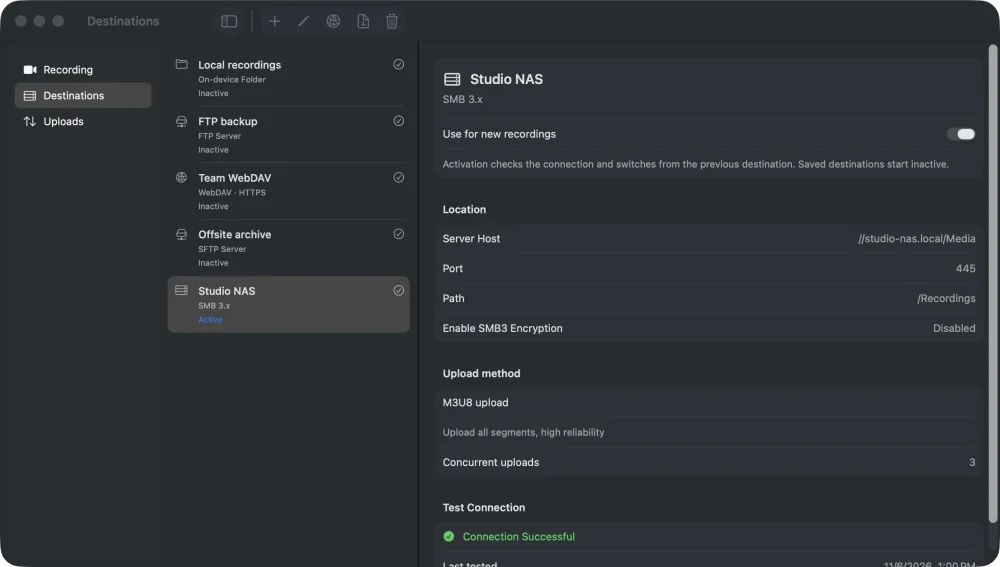
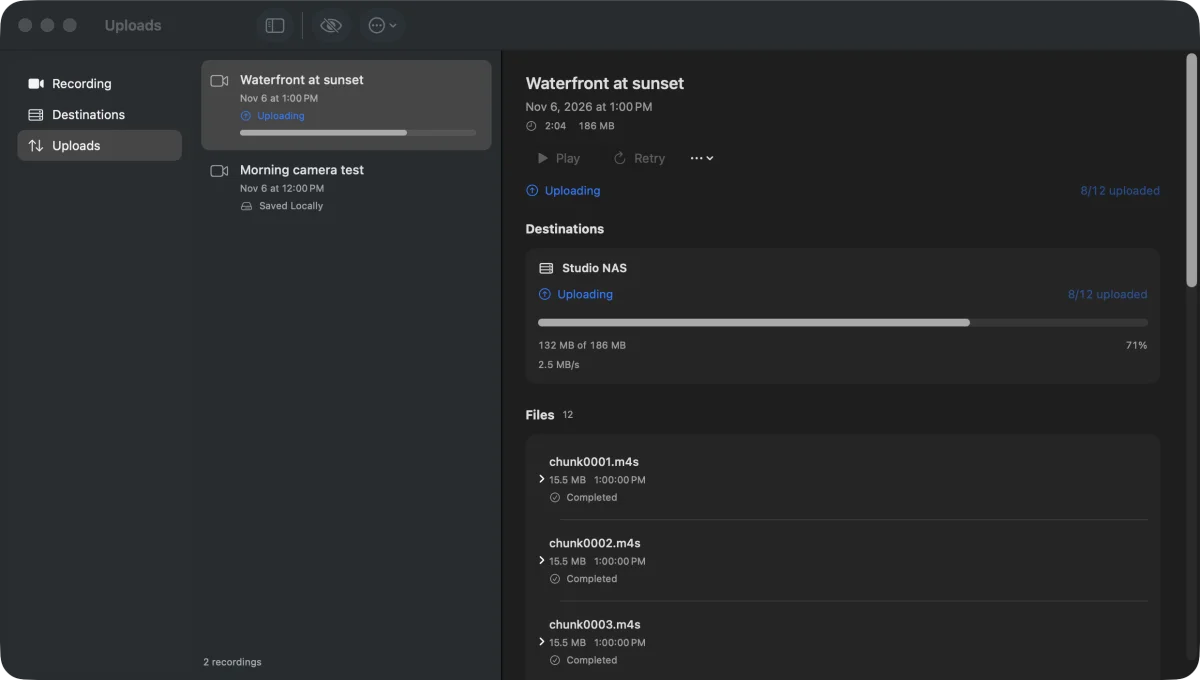
Keep an eye on the details
Know where
your recording stands.
See which files have arrived and which still need attention. Recording history and upload details stay close at hand.
- Session and segment progress
- Controls for retrying failed uploads
- Recording quality and format settings
Find your platform
A familiar workflow.
Across your devices.
Fluvidia is available on Android. Mac, iPhone, and iPad releases are on the way.
A question about recording, connections, or your data?
We’re here to help